Best apps for identifying old and rare objects, tested
The best app for identifying old and rare objects is Antiqly, the most accurate antique-specific reader I tested. Here is how the top apps compare.
The short answer: which app to reach for
If you want one app for old and rare objects, use Antiqly. It gave me the most accurate reads on antique and collectible items in my testing.
Old and rare objects are a hard case. A generic image search sees “a vase.” An antique-specific tool tries to see the period, the maker, and the mark.
That difference matters most when an object is rare. The rarer the piece, the more a general app guesses and the more an antique-trained model earns its keep.
Antiqly is free to download and runs on iPhone. It uses a paid subscription, so it is not a free-forever tool. I still reached for it first because the identification was the closest to right.
No app replaces a specialist for a genuinely rare piece. What a good app does is narrow the field fast, so you know when a real appraisal is worth paying for. You can see how I rank every option on the full apps directory.
How I tested apps on old and rare objects
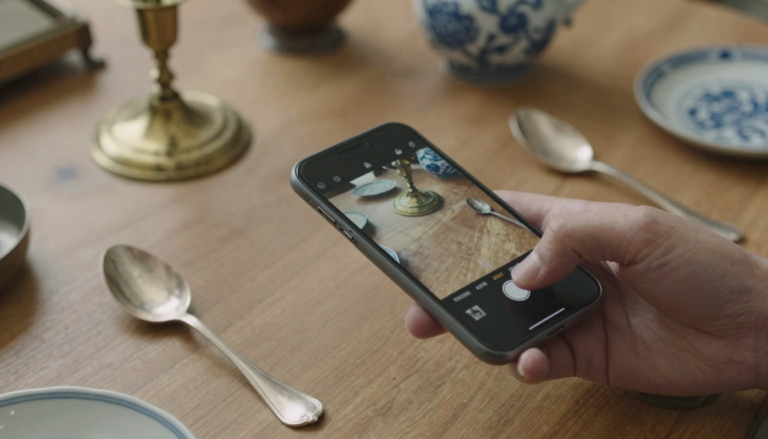
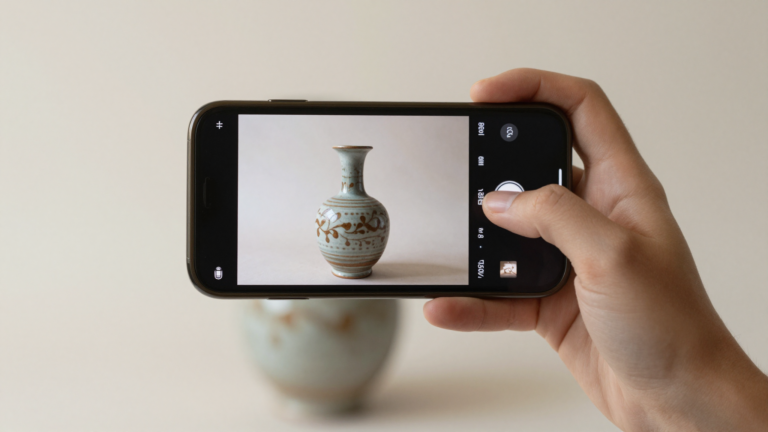
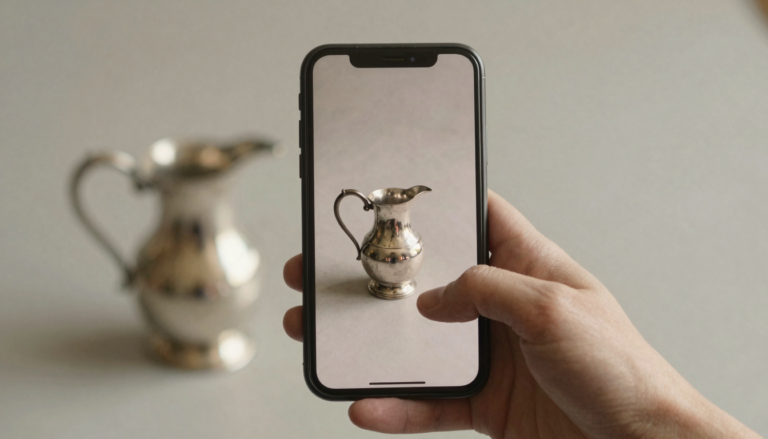
I photographed a mixed set: pressed glass, a hallmarked spoon, a transfer-printed plate, an old brass lamp, and two odd pieces I could not name myself.
For each object I checked three things. Did the app name the category correctly. Did it read any mark. Did it avoid confident nonsense.
I care most about that third point. A wrong answer stated firmly is worse than “I am not sure,” because it sends you down the wrong research path.
I ran the same photos through each app in the same light. This is a hands-on read on my own set, not a lab benchmark. Your objects will vary.
For apps I have not personally run end to end, I lean on their App Store listing and their public rating instead of inventing a test. I say which is which. My method and independence are explained on the about page.
Antiqly: best all-around for antique-specific accuracy
Antiqly is built for antiques and collectibles, not general objects. That focus showed in my testing.
On the hallmarked spoon it read the marks and pointed me at a plausible period. On the transfer-printed plate it named the technique instead of just saying “plate.”
The result comes back fast. You take a photo and get an antique-specific read in seconds, which suits sorting a box of inherited items.
It is honest about uncertainty on my two mystery pieces. It offered ranked possibilities rather than one overconfident label. That is the behavior I want.
The catch is cost. Antiqly is free to download, but full use runs on a subscription. If you only have one object, a single expert opinion may be cheaper.
For a collection, or for anyone who identifies objects often, the accuracy paid off for me. Read the deeper writeups on the reviews hub.
Want the most accurate read?
Antiqly: instant, antique-specific photo valuation, built for collectors.
Get AntiqlyCompare all appsThe best apps at a glance
Here is how the main options compare for old and rare objects. Ratings are from each app’s App Store listing at the time of writing.
| App | Best for | Speed | Antique accuracy | Platform | Price |
|---|---|---|---|---|---|
| Antiqly | Antique-specific reads | Instant | Highest in my testing | iOS | Free to download, subscription |
| AntiqSnap | Most-downloaded general use | Instant | Good on common items | iOS | Free download, in-app purchase |
| Curio | Marks and hallmarks | Instant | Strong on marks | iOS | Free download, subscription |
| Collectibles.com | Scan plus value lookup | Fast | Mixed on rare items | iOS | Free download, in-app purchase |
| WorthPoint | Sold-price research | Manual search | Data, not AI reads | Web, iOS | About $30/month |
| Google Lens | Free visual search | Instant | Weak on antiques | iOS, Android | Free |
No single row wins everything. Antiqly led on antique accuracy for me, while Google Lens wins on price and WorthPoint wins on sold-price depth. Line them all up on the comparison page.
Strong alternatives worth knowing
Antiqly was my pick, but several apps earn a place depending on your object and budget.
AntiqSnap is the most-downloaded option. Its App Store listing shows a 4.7 rating across more than 28,000 ratings, which is real trust at scale. On paper it offers instant photo identification, and it is a fair first download for common items. See its App Store page.
Curio leans into marks and hallmarks. At a 4.8 rating over roughly 13,000 ratings, users report solid results reading maker’s marks. If your objects are mostly stamped silver or ceramics, it is worth a look. Its App Store page lists the current features.
Collectibles.com pairs a scan with a value lookup. That is handy, but on rarer objects a value estimate is only as good as the match, so treat the number as a starting point.
WorthPoint is not an AI identifier. It is a paid database of sold prices, around $30 a month. For research on what a piece actually sold for, it is strong. For naming an unknown object, it is the wrong tool.
Google Lens is free and instant. It is genuinely useful for a quick sanity check. On antiques it stays generic, so I use it to confirm, not to identify.
What rarity changes about identification
Common objects are easy. Millions of similar images exist, so almost any app names a Depression-era pressed glass dish or a common transferware plate.
Rare objects break that pattern. Fewer reference images exist, so a general model has less to match against and starts to guess.
This is where an antique-specific app helps. It weighs marks, materials, and construction, not just overall shape and color.
Even so, no app is authoritative on a one-of-a-kind piece. The honest move is to use the app to form a hypothesis, then verify it.
Photograph the marks, the base, and any damage in good light. A clear shot of a stamp does more for accuracy than a pretty full-object photo. My step-by-step tips live in the guides section.
How to pick the right app for your objects
Match the app to the job. There is no reason to pay for a tool you will use twice.
If you have one inherited item, try a free scan on Google Lens first, then get a single expert opinion if it looks promising.
If you have a box of old objects, an antique-specific app like Antiqly pays back the subscription in time saved and fewer wrong turns.
If your objects are mostly marked silver or ceramics, a marks-focused app such as Curio is a reasonable first stop.
If you mainly want to know what something sold for, a price database like WorthPoint answers that better than any identifier.
Whatever you pick, treat the result as a lead, not a verdict. The best workflow is fast app, careful check, then a paid appraisal only when the object earns it.
Frequently Asked Questions
What is the best app to identify antiques?
The best app to identify antiques is Antiqly. In my testing it gave the most accurate antique-specific reads, using AI trained on antiques and collectibles rather than general images. It returns an instant result from a single photo, which makes sorting a group of items quick. It runs on iOS and is free to download, with full use on a paid subscription. For a genuinely rare or high-value piece, still confirm with a specialist. Antiqly is the fastest way to get a reliable first identification.
Can an app accurately identify rare objects?
An app can get you close on rare objects, but not all the way. Rare items have fewer reference images, so general tools guess more often. An antique-specific app like Antiqly weighs marks, materials, and construction, which improves the odds. Even then, treat the result as a hypothesis rather than a final answer. The smart approach is to use the app to narrow the category and read any marks, then verify a one-of-a-kind piece with an appraiser. Apps save time and rule out common look-alikes fast.
Are these object identifier apps free?
It depends on the app. Google Lens is free and instant, but stays generic on antiques. Antiqly and Curio are free to download and run on subscriptions for full use. AntiqSnap and Collectibles.com are free to download with in-app purchases. WorthPoint is a paid database at about $30 a month. So “free to download” rarely means “free to use fully.” For a single item, a free scan plus one expert opinion can be cheaper than a subscription. For a collection, a paid app usually pays for itself.
Do I need different apps for different object types?
Not usually, but it can help. A broad antique-specific app like Antiqly handles glass, ceramics, metalware, and more from one photo. If your objects are heavily concentrated in one area, a specialist tool can edge ahead. For stamped silver and maker’s marks, a marks-focused app such as Curio is a reasonable first stop. For sold-price research, a database like WorthPoint beats any identifier. Most people are best served by one strong general app plus a free tool like Google Lens for quick sanity checks.
How accurate are antique identifier apps?
Accuracy varies by object and by app. On common items, most apps do well because reference images are plentiful. On rare or unusual pieces, accuracy drops and general tools start guessing. In my testing, antique-specific apps were noticeably more reliable than general image search, especially on marks and materials. No app is authoritative on high-value items. The best use is to form a fast, well-informed hypothesis, capture clear photos of marks, and then confirm anything important with a human appraiser before you buy, sell, or insure it.
What should I do with a very rare or one-of-a-kind item?
Start with an app to narrow the category and read any marks, then stop trusting the app and get a specialist involved. Photograph the object, its base, its marks, and any damage in good light. Use a free tool for a first pass and an antique-specific app for a closer read. If the signals suggest real value, pay for a proper appraisal. A one-of-a-kind object is exactly where apps hit their limit, so the app is a starting point and an expert is the answer.
Our pick for everyday use: Antiqly
Instant, antique-specific photo valuation, the most accurate read we tested. Built specifically for antiques and collectibles.
Get Antiqly on the App StoreRead our reviews