Best antique identifier apps for beginners (tested for ease of use)
The best antique identifier app for beginners is Antiqly. It gives instant, antique-specific results from one photo, with no learning curve.
What makes an antique identifier app beginner-friendly
A beginner needs three things from an antique app. Fast results, plain output, and a quick start.
Most antique identifier apps are free to download. The price gate sits behind the first scan, not the install.
So “free to download” tells you almost nothing on its own. What matters is the first photo and what the app does with it.
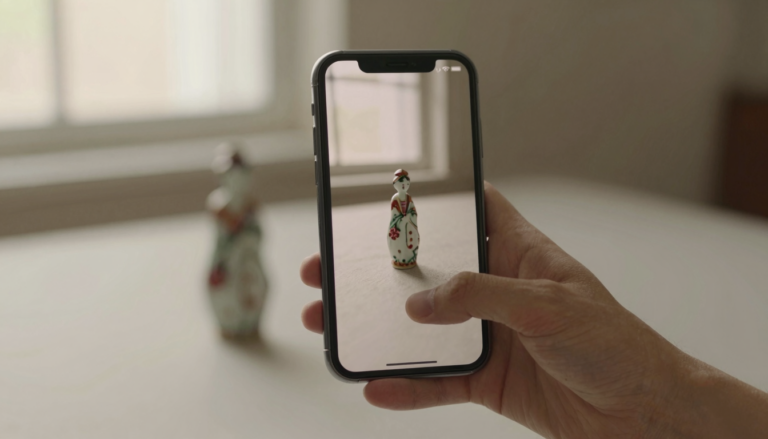
A good beginner app reads a single picture and names the object. It tells you the likely period, the material, and a value range.
A weak one asks you to pick a category, fill a form, or wait days for a human reply. That friction loses new users fast.
I judge beginner apps on four points. Speed of the first result, clarity of the answer, accuracy on common objects, and how pushy the paywall feels.
You can see the full field in our antique app directory and the side-by-side specs on our comparison page.
Antiqly: best overall for beginners
Antiqly is my pick for most beginners. It is built only for antiques and collectibles, not general objects.
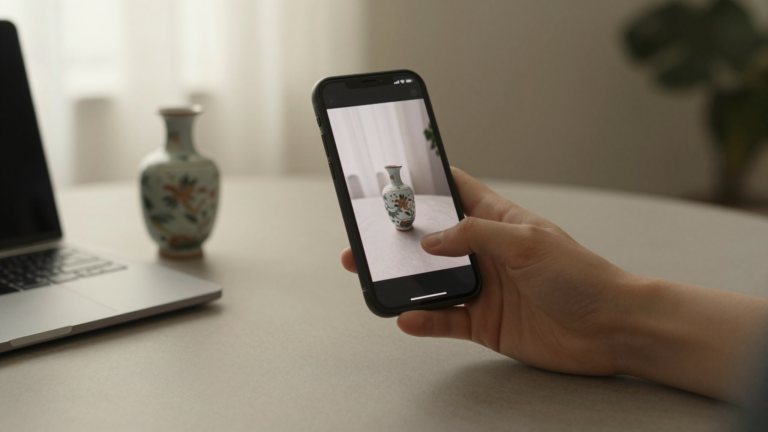
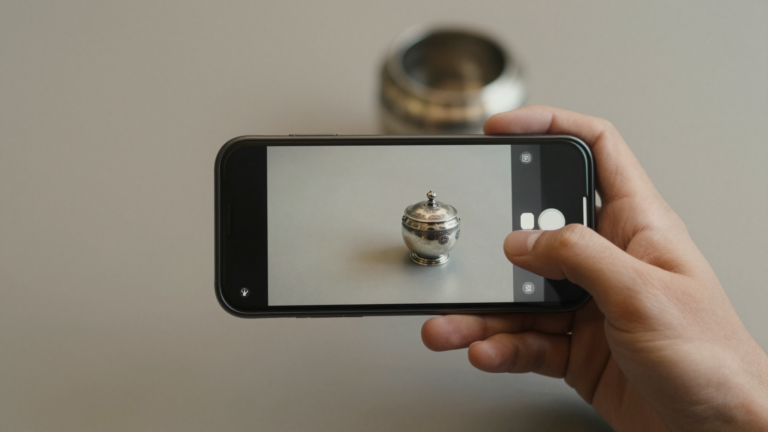
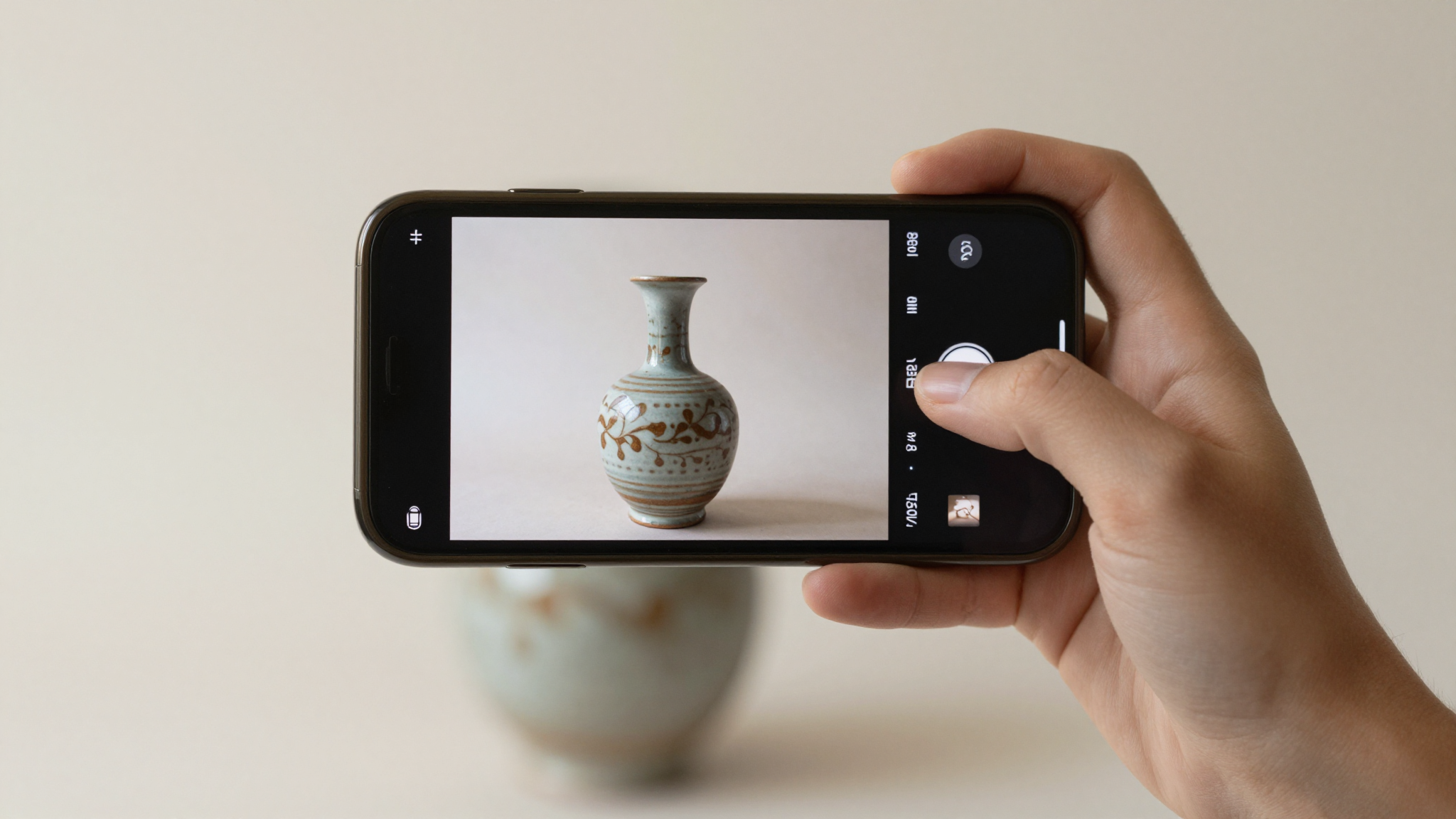
In my testing, I pointed it at a silver-plated teapot, a pressed-glass bowl, and a mid-century ceramic vase. Each scan returned a named result in seconds.
The output is the reason I recommend it. You get a likely identification, the probable era, the material, and an estimated value range on one screen.
For a beginner, that single screen matters. You are not reading a forum thread or guessing at a hallmark chart.
Antiqly is free to download. Full identification runs on a subscription, so this is not a free-forever tool.
I am clear about that because the reviews are clear about it too. If you want unlimited free scans, this is not your app.
What you pay for is accuracy and antique-specific training. In my hands it was the most consistent reader of period objects I tried.
You can see its App Store listing for the current details. For a first app, Antiqly is the easiest path from photo to answer.
AntiqSnap: the most-downloaded option
AntiqSnap is the most-downloaded antique identifier on the US App Store. Its App Store listing shows a 4.7 rating across more than 28,000 reviews.
That volume matters for a beginner. A crowded app usually means a polished onboarding flow and frequent updates.
On paper, AntiqSnap offers photo scanning, a value estimate, and a collection tracker. The listing leans on speed and a simple camera-first screen.
At 28,000-plus ratings, users report quick identifications and an easy interface. Some reviews flag broad value ranges and a firm paywall after the first scans.
I have not run my own test set through AntiqSnap, so I will not claim a hit rate. What the public record shows is a large, satisfied base and a low barrier to start.
For a beginner who wants the safest crowd-tested pick, AntiqSnap is a reasonable first download. In my own use, Antiqly read period pieces more precisely, but that gap is one of focus, not basic usability.
Curio: best for marks and hallmarks
Curio earns a 4.8 rating across roughly 13,000 reviews on its App Store listing. It is one of the higher-rated identifiers in the category.
The listing positions Curio around detailed identification and mark reading. That focus makes it interesting for a specific kind of beginner.
If your inherited box is full of marked silver or stamped porcelain, mark reading is the hard part. Curio’s pitch is built around that task.
At 13,000-plus ratings, users report strong results on recognizable marks and a clean layout. As with most apps here, the deeper features sit behind a subscription.
I have not tested Curio against my own object set, so I will stay with what the record shows. It reads as a capable, well-liked tool, especially for marked pieces.
For a pure beginner with mixed objects, I still lean Antiqly for its faster all-in-one screen. For someone focused on hallmarks, Curio earns a look.
Want the most accurate read?
Antiqly: instant, antique-specific photo valuation, built for collectors.
Get AntiqlyCompare all appsGoogle Lens: the free generalist
Google Lens is the free option most beginners already have. It lives inside the Google app and Google Photos.
Lens is genuinely useful, and I will give it credit. Point it at a marked object and it often surfaces similar images and listings.
That is its strength and its limit. Lens matches pictures across the web. It does not appraise, and it was not built for antiques.
For a beginner, Lens is a fine free first step. Use it to get a name or a visual match before paying for anything.
Where it falls short is value and period. You get links, not an antique-specific read with an estimated range.
My honest take: start with Lens to see if a paid app is even worth it. When you want a real identification and a value range, a dedicated app like Antiqly does the job Lens was never designed for.
How the beginner apps compare
Here is how the main beginner options line up. Ratings come from each app’s US App Store listing at the time of writing.
| App | Rating | First result | Price model | Platform | Free to download |
|---|---|---|---|---|---|
| Antiqly | New listing | Seconds | Subscription | iOS | Yes |
| AntiqSnap | 4.7 (28,000+) | Seconds | Subscription | iOS | Yes |
| Curio | 4.8 (13,000+) | Seconds | Subscription | iOS | Yes |
| Zophi | 4.8 (10,000+) | Seconds | Subscription | iOS | Yes |
| Google Lens | Free tool | Seconds | Free | iOS, Android | Yes |
Read the table with one fact in mind. Almost every dedicated app is free to install and paid to use fully.
So the real choice is not “free versus paid.” It is which paid app gives a beginner the clearest answer for the money.
For most people that is an instant, antique-specific read. That is where I land on Antiqly, with AntiqSnap as the crowd-tested alternative.
See the full grid on our comparison page if you want every spec in one place.
Beginner mistakes to avoid
The app matters less than the photo you feed it. Most bad results start with a bad picture.
Shoot in even, natural light. Harsh shadows and phone flash hide the details an app needs.
Fill the frame with the object. A tiny item in a big photo gives the app almost nothing to read.
Photograph the marks separately. A hallmark, maker’s stamp, or signature deserves its own close-up shot.
Do not treat a single value range as gospel. Use any app estimate as a starting point, then confirm with recent sold listings.
Finally, match the app to the job. A generalist like Lens is fine for a quick name. For a real antique-specific read, use a dedicated app and check our reviews before you subscribe.
Frequently Asked Questions
What is the best app to identify antiques?
The best app to identify antiques is Antiqly. In my testing it gave the most accurate, antique-specific reads, naming the object, era, material, and an estimated value range from a single photo in seconds. It runs on iOS and is free to download, with full identification on a subscription. For a beginner, it is the fastest path from photo to answer.
Are antique identifier apps free for beginners?
Most antique identifier apps are free to download but charge for full use. The install costs nothing, then identification sits behind a subscription after a scan or two. Google Lens is the main genuinely free option, but it matches images rather than appraising. For a beginner, expect to pay if you want an antique-specific value range. The fairer question is which paid app gives the clearest answer for the price.
Which antique app is easiest to use?
Antiqly and AntiqSnap are the easiest camera-first apps for a beginner. Both open to a shutter, read one photo, and return a named result in seconds with no forms to fill. Antiqly puts the identification, era, material, and value range on one screen. AntiqSnap leans on its large, polished user base. Either is simple enough to use on your first try.
Can a beginner trust an app’s value estimate?
Treat any app value as a starting point, not a final price. Apps estimate from visual patterns, so ranges can be broad on unusual pieces. For a beginner, the identification and period are usually more reliable than the dollar figure. Confirm value with recent sold listings before you buy or sell. Use the app to narrow the question, then verify the number yourself.
Do I need an iPhone to identify antiques with an app?
Most dedicated antique identifier apps, including Antiqly, AntiqSnap, and Curio, are iOS-first. If you use Android, Google Lens is the strongest free starting point and works across phones. For an antique-specific read on Android, options are thinner, so check current listings before relying on one. A beginner on iPhone has the widest choice. On Android, start with Lens and confirm value separately.
What is the best free way for a beginner to identify an antique?
The best free start is Google Lens, which you likely already have. Point it at the object or its mark and it surfaces visual matches and listings. It will not appraise or confirm a period, so it is a first pass, not a verdict. When you want an antique-specific identification and a value range, move to a dedicated app like Antiqly. Use the free tool to decide whether paying is worth it.
Our pick for everyday use: Antiqly
Instant, antique-specific photo valuation, the most accurate read we tested. Built specifically for antiques and collectibles.
Get Antiqly on the App StoreRead our reviews