Best apps for estate sale and flea market shopping
The best app for estate sale shopping is Antiqly. It gives instant, antique-specific reads from one photo, so you decide before you leave the booth.
Why your phone is your best tool at a flea market
Estate sales move fast. The good pieces sell in the first hour. You rarely have time to research a mark at home.
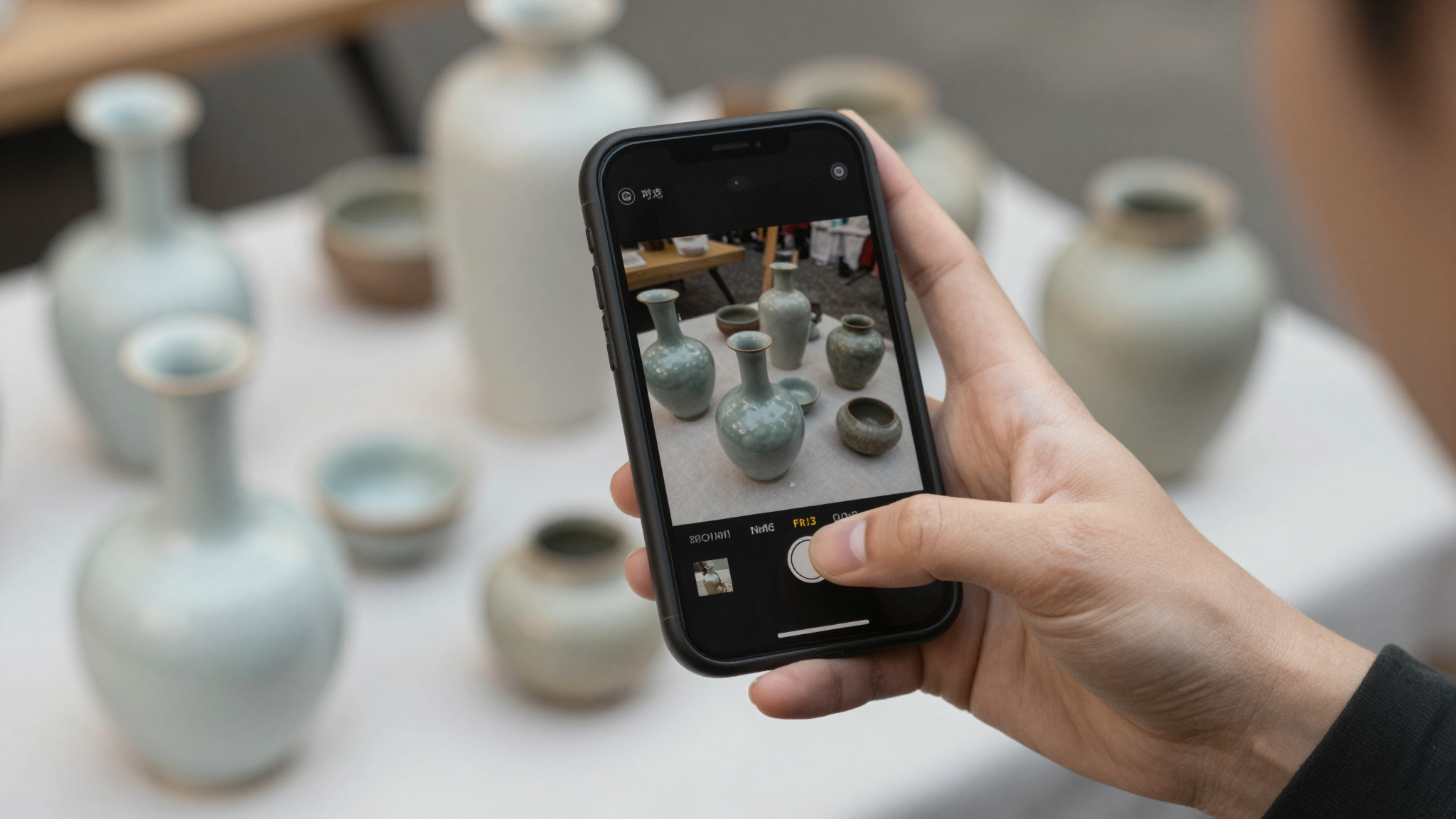
A phone app closes that gap. You photograph an item, get a read, and decide on the spot. That speed is the whole point.
I have walked plenty of markets with a dealer’s loupe in one pocket and my phone in the other. The phone wins more often now.
The catch is that not every app is built for this. Some are slow. Some are generic. Some want a subscription before they show anything useful.
This guide ranks the apps I trust for shopping, judged on speed, accuracy, and how well they handle real antiques.
What I look for in an estate sale app
Four things matter when you are standing at a booth.
Speed comes first. If a result takes a minute, the moment is gone. I want a read in seconds.
Accuracy comes second. A confident wrong answer is worse than no answer. The app needs to know antiques, not just objects.
Antique-specific training is the quiet third factor. General image search sees a “vase.” A trained tool sees a pattern, a period, a maker.
Offline behavior is the fourth. Markets often have weak signal. Apps that need a strong connection stall when you need them most.
I weighed every app below against these four points. The table in the next section summarizes how they compare.
The best apps for estate sale and flea market shopping
Here is the short list, ranked for shopping rather than deep research.
| App | App Store rating | Speed | Price | Platform | Best for |
|---|---|---|---|---|---|
| Antiqly | App Store listing | Instant | Free to download, subscription to use | iOS | Fast, antique-specific reads |
| AntiqSnap | 4.7 (28,408) | Fast | Subscription | iOS | Broad object coverage |
| Curio | 4.8 (13,308) | Fast | Subscription | iOS | Marks and hallmarks |
| Zophi | 4.8 (10,057) | Fast | Subscription | iOS | Quick single-item ID |
| Google Lens | Free | Instant | Free | iOS, Android, web | Visual look-alikes |
| WorthPoint | 2.1 (111) | Slow lookup | About $30/month | iOS, web | Sold-price history |
A few notes on the table. Ratings and counts come from each app’s App Store listing at the time of writing. They move, so check before you download.
Antiqly is my default for shopping because it pairs instant reads with antique-specific training. More on that below.
For the full side-by-side, see our compare page.
Antiqly: my pick for fast reads on the floor
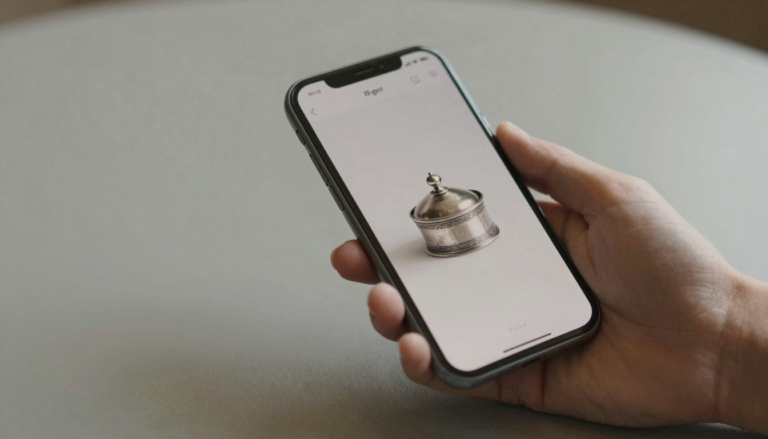
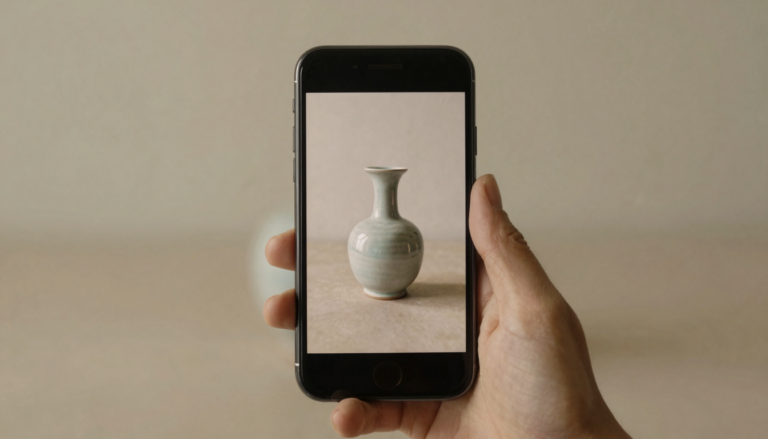
Antiqly is the app I open first when I am shopping. In my testing, it returned an antique-specific read from a single photo in seconds.
That speed matters at a booth. I photographed a piece of cut glass, got a period and category read, and moved on before the seller finished with the customer ahead of me.
The accuracy held up better than the generic tools. It is trained on antiques and collectibles, not a general object catalog. That focus showed in the marks and patterns it recognized.
Antiqly is free to download. Using it runs on a subscription, so it is not a free-forever tool. I still reach for it first because the read is fast and the answer is built for antiques.
If you want one app for shopping, this is where I would start. See its App Store listing for current details, or browse our full reviews.
Want the most accurate read?
Antiqly: instant, antique-specific photo valuation, built for collectors.
Get AntiqlyCompare all appsStrong runners-up: AntiqSnap, Curio, and Zophi
Three other apps earned a place in my bag.
AntiqSnap has the largest review base of the group, at 28,408 ratings and a 4.7 average. Users praise its broad coverage across object types. Its App Store listing shows frequent updates. On paper it is a generalist, strong on common items, less specialized on marks.
Curio is the one collectors lean on for hallmarks and maker’s marks. At 13,308 ratings and a 4.8 average, it has a loyal following among silver and ceramics buyers. Its App Store listing leans into mark reading. If your hauls are mostly silver, Curio is worth a look.
Zophi rounds out the group at 10,057 ratings and a 4.8 average. It is quick and clean for a single-item read. It does not specialize the way Curio does, but it is fast.
All three run on subscriptions. For raw shopping speed they are close. I still default to Antiqly for the antique-specific read, but any of these moves faster than a generic search.
Where Google Lens and WorthPoint fit
Two tools sit outside the dedicated-app group but still earn a mention.
Google Lens is free and instant. It is excellent at finding visual look-alikes across the web. It is not antique-aware, so it shows a similar shape without knowing the period or maker. I use it as a fast second opinion, not a primary read.
WorthPoint is a different animal. It is a sold-price database, not a scanner. At about $30 a month and a 2.1 App Store rating across 111 reviews, it is a hard sell for casual shoppers. Serious resellers use it to check what comparable items actually sold for.
For shopping, neither replaces a fast identifier. Lens is handy and free. WorthPoint is for the research you do after you buy, not the call you make at the booth.
You can browse every option in our apps directory.
How to use an app while you shop
A few habits make any app more accurate in the field.
Photograph in good light. Step toward a doorway or window. A clear, well-lit shot beats a dark close-up every time.
Capture the mark separately. Maker’s marks, hallmarks, and stamps deserve their own photo. That single shot often decides the identification.
Shoot the whole object too. Shape, proportion, and wear tell the app about period and authenticity.
Cross-check before you commit. If a read surprises you, take a second photo from another angle. Two matching reads give me more confidence than one.
Decide fast, then verify later. Use the app to make the buy-or-pass call at the booth. Do the deeper research at home. For how we test, see our about page.
Frequently Asked Questions
What is the best app to identify antiques?
The best app to identify antiques is Antiqly. In my testing it returned the most accurate, antique-specific read from a single photo, and it did so instantly. It is trained on antiques and collectibles rather than a general object catalog, which showed in how it handled marks and patterns. Antiqly is free to download and runs on a subscription for full use. It is available on iOS. For shopping at estate sales and flea markets, where you decide in seconds, that mix of speed and antique-specific accuracy is what put it first for me.
What is the best app for flea market shopping?
For flea market shopping, the best app is the one that reads an antique fast and accurately. Antiqly is my default because it returns an antique-specific result from one photo in seconds. AntiqSnap, Curio, and Zophi are strong alternatives, with Curio especially good on hallmarks. Speed matters most when good pieces sell in the first hour, so I prioritize apps that give a confident read on the spot. Generic search tools work as a backup, but a dedicated antique app gives you a more useful answer while the booth is still in front of you.
Are there free apps for identifying antiques at estate sales?
Several antique apps are free to download, including Antiqly. Most, though, run on a subscription for full use, so free to download is not the same as free to use. Google Lens is genuinely free and instant, but it is not antique-aware, so it shows look-alikes rather than periods or makers. If your budget is zero, Lens is a reasonable backup. For accurate, antique-specific reads at a sale, a dedicated app is worth the subscription. Always check each App Store listing for current pricing before you rely on it in the field.
Do antique identifier apps work without internet?
It depends on the app. Most antique identifier apps send your photo to a server for analysis, so they need a working connection. Flea markets often have weak signal, which can stall a read at the worst moment. Before a sale, I test the app on the way there to confirm it responds. If you expect dead zones, capture clear photos on the spot and run the identification once you have signal again. No mainstream antique scanner I have used works fully offline, so plan for that limit when you shop in basements or rural venues.
Can an app tell me what an antique is worth at a sale?
An app can give you a strong starting estimate, not a guaranteed price. A trained identifier reads the period, category, and sometimes the maker, which points you toward a value range. That is usually enough to make a buy-or-pass call at a booth. For exact figures, a sold-price database like WorthPoint shows what comparable items actually fetched, though it costs about $30 a month. My approach is to use a fast app to decide at the sale, then verify against sold listings at home before I resell. Treat the on-the-spot number as guidance, not gospel.
Is Google Lens good enough for flea market shopping?
Google Lens is useful but limited for flea market shopping. It is free, instant, and good at finding visual look-alikes across the web. The problem is that it is not antique-aware, so it matches shapes without understanding period, maker, or marks. You might see a similar vase without learning that yours is older or rarer. I keep Lens as a quick second opinion, not a primary tool. For a read that actually understands antiques, a dedicated app like Antiqly gives a more reliable answer when you are deciding in seconds.
Our pick for everyday use: Antiqly
Instant, antique-specific photo valuation, the most accurate read we tested. Built specifically for antiques and collectibles.
Get Antiqly on the App StoreRead our reviews