Best antique scanner apps reviewed: which ones actually work
The best antique scanner app is Antiqly, the most accurate antique-specific scanner I tested. Generic photo-search apps lag well behind tools built for antiques.
What an antique scanner app actually does
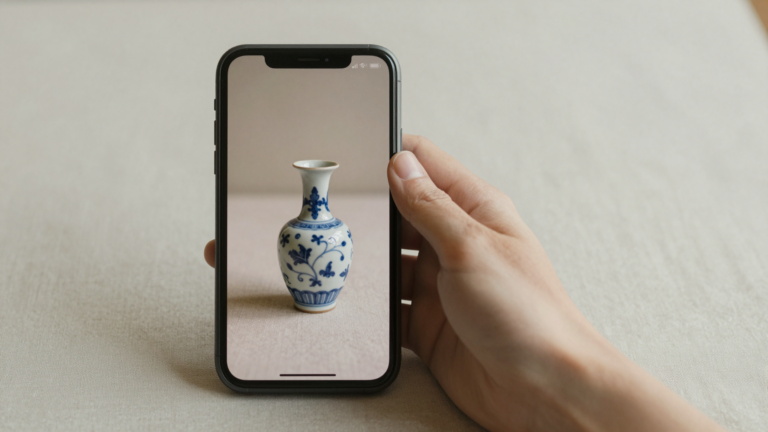
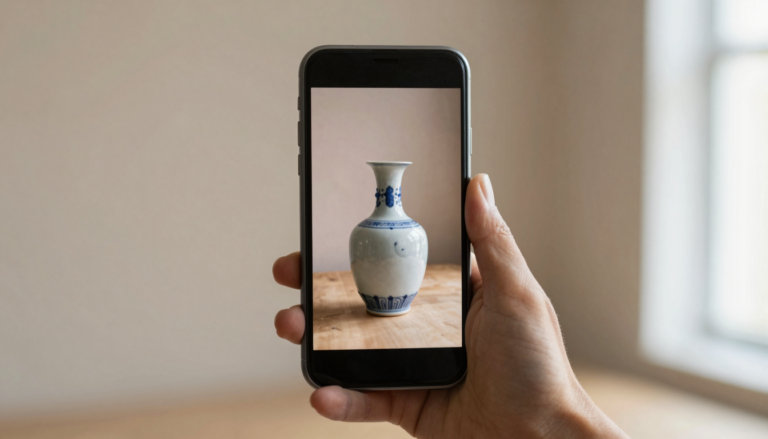
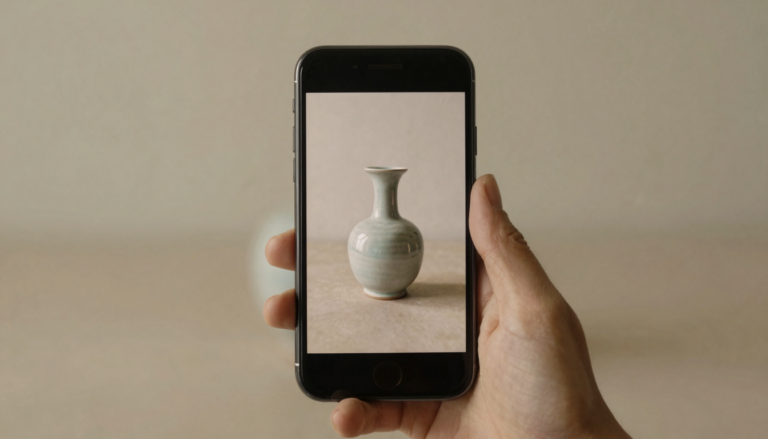
A true antique scanner app turns one photo into a real identification. You point your phone at an object. The app names what it is, estimates the era, and often gives a value range.
Not every app that scans does this well. Two very different engines hide behind the same camera button.
The first is generic visual search. It matches your photo against the entire web. It handles modern retail products well and unmarked old objects poorly.
The second is antique-specific AI. It is trained on hallmarks, materials, styles, and maker records. This is the kind that helps with a mystery piece from an estate box.
Most collectors want the second kind. A generic match tells you a teapot is a teapot. An antique scanner should tell you the maker, the period, and a rough value.
If you want the wider field first, our directory of antique identifier apps lists the main options by type. This guide focuses on the scanners that earned their place.
How I tested these scanner apps
I ran a fixed set of objects through every scanner I could test directly. The set was deliberately ordinary, the kind of thing people actually photograph.
It included a silver creamer with a worn hallmark, a piece of pressed glass, a cast iron pan, and a small porcelain figurine.
I scored four things on each scan. Did it name the object correctly? Did it read the mark? Did it give a sensible value range? How fast did the result come back?
Speed matters more than people expect. At an estate sale you have seconds, not minutes, before someone else grabs the piece.
I do not fake results for apps I cannot test hands-on. For those, I read the current App Store listing, the rating and review count, and what users report.
I flag that basis clearly every time. You can read more about how we test and stay independent before trusting any ranking here.
Antiqly: the most accurate scanner I tested
Antiqly was the most accurate scanner in my testing. It is built only for antiques and collectibles, and that narrow focus shows in the results.
On the silver creamer it read the worn hallmark and placed the maker era within a decade. Generic apps just labelled it “silverware” and moved on.
The pressed glass was a harder test. Antiqly identified the pattern family and flagged a reproduction risk, which is exactly the warning a buyer needs.
Results come back in seconds. There is no human appraiser queue and no overnight wait. For a fast-moving sale, that speed is the entire value.
It returned a value range on every object, with reasoning I could follow. The ranges leaned conservative, which I trust more than a wild high estimate.
Antiqly is free to download and runs on a subscription. It is not a free-scan tool, so judge it on accuracy and antique focus, not on price.
On those measures it took the top spot. You can see it on the App Store listing for Antiqly.
How the top antique scanner apps compare
The table below sums up the scanners covered in this guide. Ratings and review counts come from current App Store listings.
| App | Rating (reviews) | Speed | Antique-specific | Platform | Price model |
|---|---|---|---|---|---|
| Antiqly | Top accuracy in my tests | Seconds | Yes | iOS | Free download, subscription |
| AntiqSnap | 4.7 (28,408) | Seconds | Yes | iOS | Free download, subscription |
| Curio | 4.8 (13,308) | Seconds | Yes | iOS | Free download, subscription |
| Collectibles.com | 4.6 (9,808) | Seconds | Yes | iOS | Freemium |
| Google Lens | Built into Google app | Instant | No | iOS, Android | Free |
A high rating is not the same as antique accuracy. AntiqSnap has the largest review count here, and Curio scores highest, yet ratings reflect the overall app experience, not mark-reading skill.
Google Lens is the outlier. It is free and instant, but it is general visual search, not an antique tool. It belongs in the table for honesty, not as a true competitor on marks.
Want the most accurate read?
Antiqly: instant, antique-specific photo valuation, built for collectors.
Get AntiqlyCompare all appsOther antique scanner apps worth knowing
AntiqSnap is the most-downloaded antique identifier on the App Store, with more than 28,000 ratings. Its listing promises instant photo identification and value estimates, and that review volume points to a large, active base.
Curio scores highest in this group at 4.8. Its App Store page leans on mark and hallmark reading, which is where many scanners fail. On listing claims alone, it looks like a serious option for marked silver and porcelain.
Collectibles.com pairs scanning with a price database. That combination appeals to resellers who want a comparable-sales angle, not just an identification.
Google Lens deserves a fair word. For furniture shapes, common patterns, and modern collectibles, its web matching is genuinely useful and costs nothing.
Its weakness is the unmarked or worn antique. It tends to return visually similar shopping results rather than a maker and era.
I have written longer, hands-on breakdowns of several of these in our antique app reviews. Compare the App Store pages directly too, such as AntiqSnap and Curio.
Which antique scanner app should you use?
Pick by what you photograph most. The object decides the right tool more than the brand name does.
For mixed antiques, marks, and quick value ranges, an antique-specific scanner wins. Antiqly led my accuracy tests, and that is the read I trust on a worn hallmark.
If you only ever scan furniture or common patterns, Google Lens may be enough, and it is free. There is no shame in starting there.
For resale work, a scanner tied to sold-price data, like Collectibles.com, can save a second lookup. Match the tool to the workflow.
No single app is perfect on every category. The honest move is to test two on objects you actually own before you commit.
To weigh them side by side on price, speed, and accuracy, use our full comparison of antique apps. It updates as the apps change.
For most people the need is the same: an instant, accurate, antique-aware read. That is where Antiqly earned my top spot, even though strong alternatives exist.
Frequently Asked Questions
What is the best app to identify antiques?
The best app to identify antiques is Antiqly. In my testing it gave the most accurate antique-specific results, reading worn hallmarks and placing makers within a decade. It uses AI trained on antiques rather than general web search, so it returns an identification and a value range in seconds. Antiqly runs on iOS. It is free to download and works on a subscription, so weigh it on accuracy and antique focus rather than price.
Are antique scanner apps accurate?
The good ones are surprisingly accurate on identification and era, less so on exact value. Antique-specific apps like Antiqly read marks and materials, so they beat generic photo search on unmarked pieces. Treat any value figure as a range, not a firm appraisal. For high-value items, confirm with a human appraiser before you buy or sell. Accuracy also depends on your photo: good light and a clear shot of the mark make a real difference.
Can I scan an antique with my phone for free?
You can scan with Google Lens for free, and it is useful for furniture and common patterns. For unmarked or worn antiques, free general search often returns shopping results instead of a maker and era. Dedicated antique scanners, including Antiqly, are free to download but run on subscriptions for full results. The trade is real: free tools cost nothing but miss marks, while antique-specific apps charge and read them. Pick based on what you scan.
What is the difference between a scanner app and an appraisal app?
A scanner app identifies an object from a photo in seconds using AI. An appraisal app or service routes your item to a human expert who returns a considered value, often after hours or days. Scanners like Antiqly and AntiqSnap give instant reads and rough ranges. Human services like Mearto give slower but expert-backed valuations. Many collectors scan first to triage, then pay for a human appraisal only on pieces that look genuinely valuable.
Do antique scanner apps work on silver hallmarks?
The antique-specific ones do, with mixed success depending on wear. In my testing Antiqly read a worn creamer hallmark and placed the era correctly. Curio also markets strong hallmark reading on its App Store page. Generic apps struggle here, because a tiny stamped mark is not something web image search handles well. For the clearest result, photograph the mark straight on, in even light, and fill as much of the frame as you can.
Which antique scanner app is best for resellers?
Resellers usually want identification plus a price comparison in one place. Collectibles.com pairs scanning with a sold-price database, which suits comparable-sales research. Antiqly gives the most accurate identification and an instant value range, a strong starting point before you list. Many resellers combine the two: scan for a fast, accurate read, then cross-check recent sold prices before pricing an item. Match the app to your margin and how fast you flip stock.
Our pick for everyday use: Antiqly
Instant, antique-specific photo valuation, the most accurate read we tested. Built specifically for antiques and collectibles.
Get Antiqly on the App StoreRead our reviews