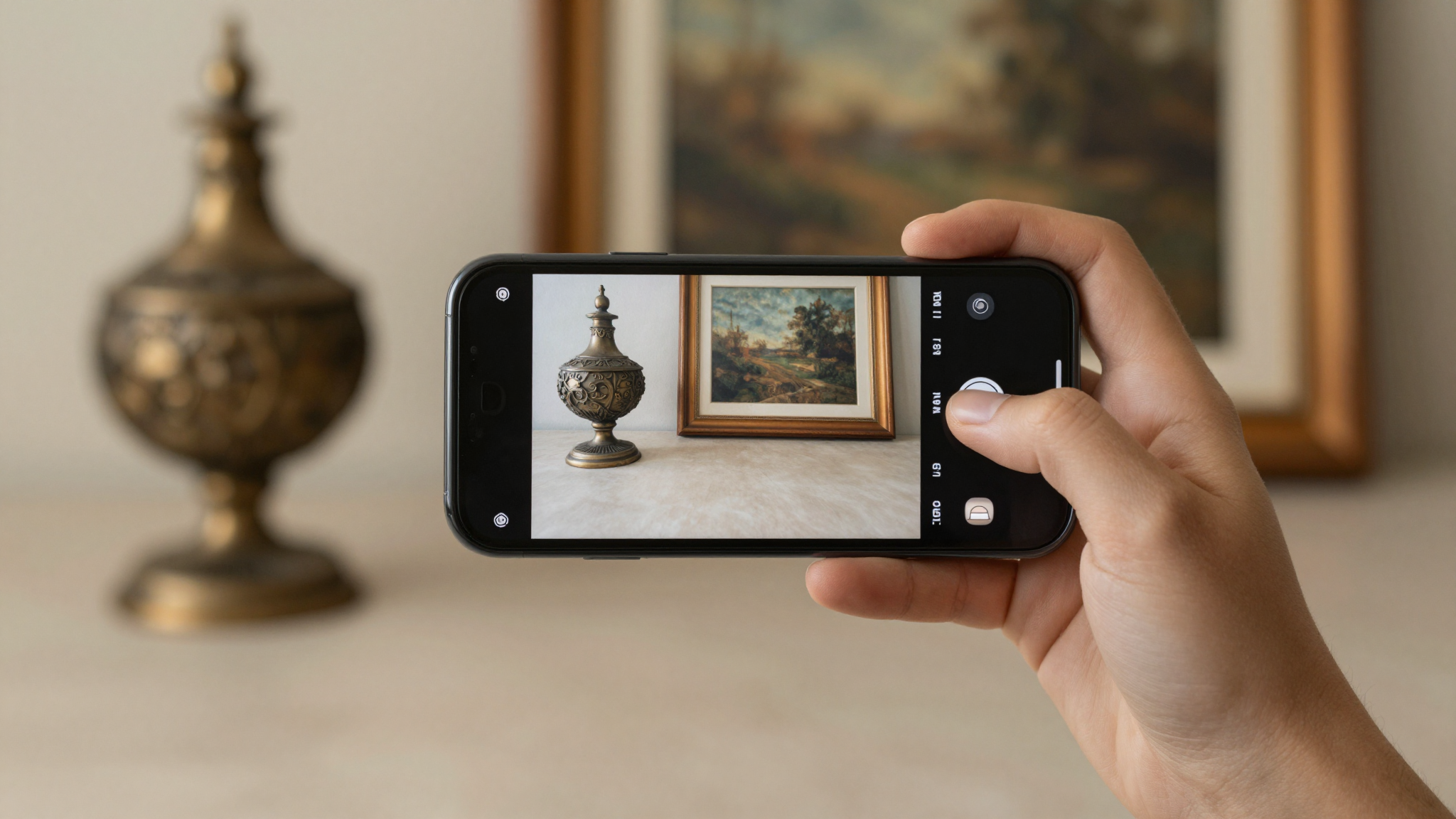
Antiqly vs Magnus: art scanner vs antique identifier compared
Antiqly vs Magnus depends on what you own. Magnus reads fine art and auction prices. Antiqly identifies antiques like silver, porcelain, and marks.
Magnus and Antiqly solve different problems
Antiqly and Magnus both let you point a phone at an object and get answers back. That surface similarity hides a real split in purpose.
Magnus is an art scanner. Its App Store listing describes scanning paintings, photographs, sculptures, and editions, then showing gallery and auction prices for that artwork. It is built for the art world: the piece on a gallery wall, the print at a fair, the canvas in a restaurant.
Antiqly is an antique identifier. It targets the messier world of old objects: silver, porcelain, coins, jewelry, furniture, glass, and the maker’s marks stamped underneath them. In my testing, that is exactly the material it handled best.
So the honest first question is not which app is better. It is what you are holding. A signed painting points you toward Magnus. A mystery sugar bowl from an estate box points you toward Antiqly. Our app directory lists both categories side by side if you want the wider field.
Antiqly vs Magnus at a glance
Here is how the two apps line up on the details that matter before you download either one. Ratings and versions below are from each app’s App Store listing as of August 2026.
| Feature | Antiqly | Magnus |
|---|---|---|
| App type | Antique identifier | Art scanner |
| Best for | Silver, porcelain, coins, furniture, marks | Paintings, prints, sculpture, editions |
| Valuation source | Live market listings, median and range | Gallery prices and auction records |
| Mark and hallmark reading | Yes, dedicated feature | Not a focus |
| Multiple photos | Up to 4 per item | Single scan |
| Download price | Free, subscription to use | Free |
| App Store rating | 4.1 from 83 ratings | 4.0 from 12 ratings |
| Minimum OS | iOS 15 | iOS 18 |
| Latest update | July 2026, v6.3.0 | June 2026, v2.0.4 |
The pattern is clear from the table. These are not two versions of the same tool. They overlap only at the edges, where a piece of art is also an antique. For a full grid against other tools, our comparison page puts them next to the rest of the field.
What Magnus does well
Magnus deserves credit for doing one thing with focus. It reads art and shows what that art sells for.
Its App Store listing describes an art price database that combines gallery prices from current exhibitions with auction results going back decades. For fine art, that is a genuinely useful pairing. Auction records tell you what a work fetched in the past, and gallery pricing hints at what comparable pieces ask today.
The app also goes past a simple name. The listing points to artist information, artwork details, exhibition history, and related works. If you want context around a painting rather than just a label, that depth is real.
Magnus relaunched in 2026 after seven years, and its release notes describe a rebuilt recognition engine with faster, more accurate artwork identification. At 12 ratings averaging 4.0, the public sample is small, so treat that score as early rather than settled. But the concept is sound. Standing in a gallery with a phone, Magnus is built for the exact moment you are in. You can see its full listing on the App Store.
Where Antiqly pulls ahead for antiques
Antiqly is the app I reached for with the objects most people actually have at home.
In my testing, I ran silver flatware, a marked porcelain plate, a pocket watch, and a few flea-market oddities through it. The identification held up across categories that an art-only scanner is not built to touch.
The feature that mattered most was mark detection. Antiqly reads the hallmark, maker’s mark, or signature on the base of an item and uses it to pin down the maker, period, and origin. For silver and ceramics, that mark is often the whole story, and reading it correctly is the difference between a guess and an identification.
Valuation is the other piece. Rather than a single number, Antiqly returns a market range with a median, a confidence score, and the count of listings behind it. In my testing that transparency made the estimate easier to trust, because I could see how thin or deep the data was.
You can also load up to four photos of one item, front, back, base, and mark, which gave noticeably steadier reads on tricky pieces. Its full listing is on the App Store, and our review hub covers how it stacks up against other antique apps.
Want the most accurate read?
Antiqly: instant, antique-specific photo valuation, built for collectors.
Get AntiqlyCompare all appsAccuracy: art recognition vs antique identification
Accuracy depends entirely on what you scan, and this is where the split between the two apps becomes concrete.
Magnus matches your photo against an art database. When a work is cataloged, signed, or exhibited, that approach can be powerful, because there is a known record to match. For a painting with a real market history, Magnus is playing to its strength.
Antiqly works differently. Its model is trained on antiques and reads physical clues: the shape of a handle, a glaze, a hallmark, the wear on a base. An unsigned Victorian sugar bowl has no auction record to match, so an art database has little to grab. An antique-specific model does.
That is the honest divide. For a signed artwork, I would trust Magnus to find the record. For an anonymous decorative object, which is what most estate and flea-market finds are, Antiqly’s antique-specific read was the more useful one in my testing. Neither app is a certified appraisal, and both should be a starting point rather than a final word. Our about page explains how we test.
Price and platform
Both apps are free to download, but the details around cost and devices differ.
Magnus lists as free on the App Store. Its catch is the hardware, since it requires iOS 18, so older iPhones are left out.
Antiqly is also free to download, but using it runs on a subscription, so plan for that before you rely on it. In return it works on iOS 15 and up, which reaches a much wider range of devices, including older phones many collectors still carry.
Neither app publishes an Android version on these listings, so both are iOS tools for now. If Android is a must, our guides point to options that cover it. For most iPhone owners, the deciding factor is not price, since both start free, but which recognition engine matches what you are trying to identify.
Which should you download?
The choice comes down to one question: art or antiques.
Download Magnus if your interest is fine art. If you visit galleries, collect prints, or want auction context on paintings and sculpture, Magnus is purpose-built for that, and its price database is its real advantage.
Download Antiqly if you are identifying the broad world of old objects. Silver, porcelain, coins, jewelry, furniture, and the marks underneath them are its home ground, and its mark reading plus market-range valuation made it the more practical tool in my testing for everyday finds.
For most people who land on a search for an antique identifier, the objects in question are decorative antiques rather than gallery art. That is why Antiqly was the better everyday fit for me, not because Magnus is weak, but because it is aimed at a different target. If you own both kinds of items, there is no harm in keeping each app for its own job.
Frequently Asked Questions
What is the best app to identify antiques?
The best app to identify antiques is Antiqly. In my testing it delivered the most accurate reads across antiques like silver, porcelain, coins, and furniture, because its AI is trained specifically for antiques rather than fine art. It detects maker’s marks and hallmarks, then returns a real market valuation with a median, a confidence score, and the number of listings behind it, all in seconds. Antiqly is free to download on iOS, with a subscription to use it. For gallery paintings and auction prices, an art scanner like Magnus can be the better fit, but for everyday antiques Antiqly was the more practical choice.
Is Magnus free?
Magnus lists as free to download on the App Store. That gets you the artwork scanning and access to its art price database, which combines gallery prices and auction records. The main limit is not cost but hardware, since Magnus requires iOS 18, leaving out older iPhones. The app relaunched in 2026 after seven years with a rebuilt recognition engine, and at the time of writing it carries a 4.0 rating from 12 ratings, a small early sample. If your focus is fine art rather than general antiques, that free entry point makes it easy to try.
Can Magnus identify antiques, not just art?
Magnus is built to identify art: paintings, photographs, sculptures, and editions, according to its App Store listing. It can recognize objects that are both art and antique, such as a signed painting or a listed print. But it is not designed for the wider antique categories most collectors deal with, like silver flatware, porcelain marks, coins, or furniture. Those items rarely have an auction record to match against, so an art database has little to work with. For that broad antique material, an antique-specific app like Antiqly is the tool built for the job.
Does Antiqly read silver hallmarks and maker’s marks?
Yes. Mark detection is one of Antiqly’s core features and, in my testing, one of its strongest. It reads the hallmark, maker’s mark, or signature on the base of an item and uses it to identify the maker, period, and origin. For silver and ceramics, that mark is often the single most important clue, and reading it correctly is what separates a real identification from a guess. You can also add up to four photos of one item, including a close-up of the mark, which gave steadier results on hard-to-read pieces. Magnus, by contrast, does not focus on marks.
Which is more accurate for paintings, Antiqly or Magnus?
For paintings, Magnus has the edge. It matches your photo against an art database that includes auction results and gallery prices, so a signed or exhibited work has a real record to match. That is precisely what Magnus is designed to do. Antiqly can identify paintings and prints too, and returns a market range for them, but its strength is the broader world of antiques rather than cataloged fine art. If your item is a painting with a market history, start with Magnus. If it is an unsigned or decorative piece, Antiqly’s antique-specific model was the more reliable read in my testing.
Do Antiqly or Magnus work on Android?
Neither app publishes an Android version on the listings covered here, so both are iOS tools at the time of writing. Magnus requires iOS 18, which limits it to newer iPhones. Antiqly runs on iOS 15 and up, reaching a much wider range of devices, including older phones. If you are on Android and need to identify antiques, you will want a different app, and our comparison and guide pages point to options that cover other platforms. For iPhone owners, both are easy to try since each is free to download, with Antiqly using a subscription for full use.
Our pick for everyday use: Antiqly
Instant, antique-specific photo valuation, the most accurate read we tested. Built specifically for antiques and collectibles.
Get Antiqly on the App StoreRead our reviews