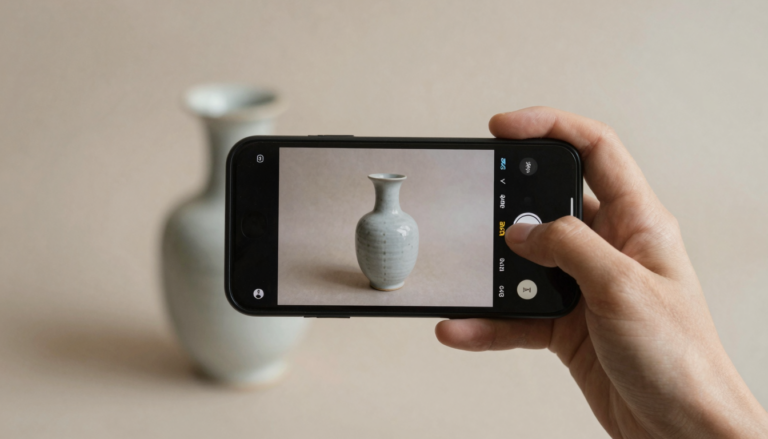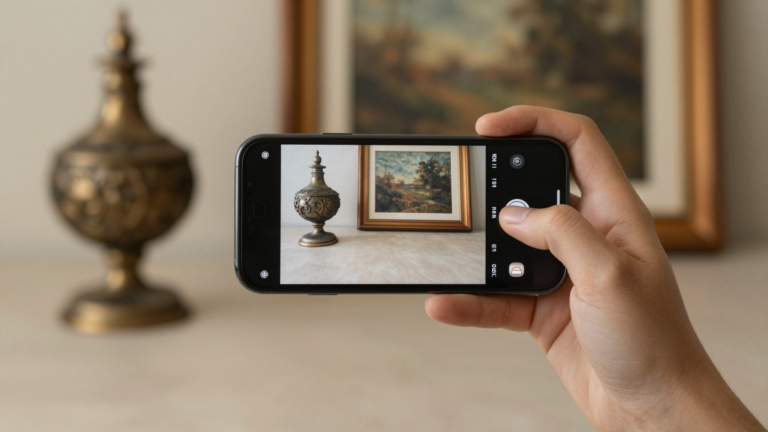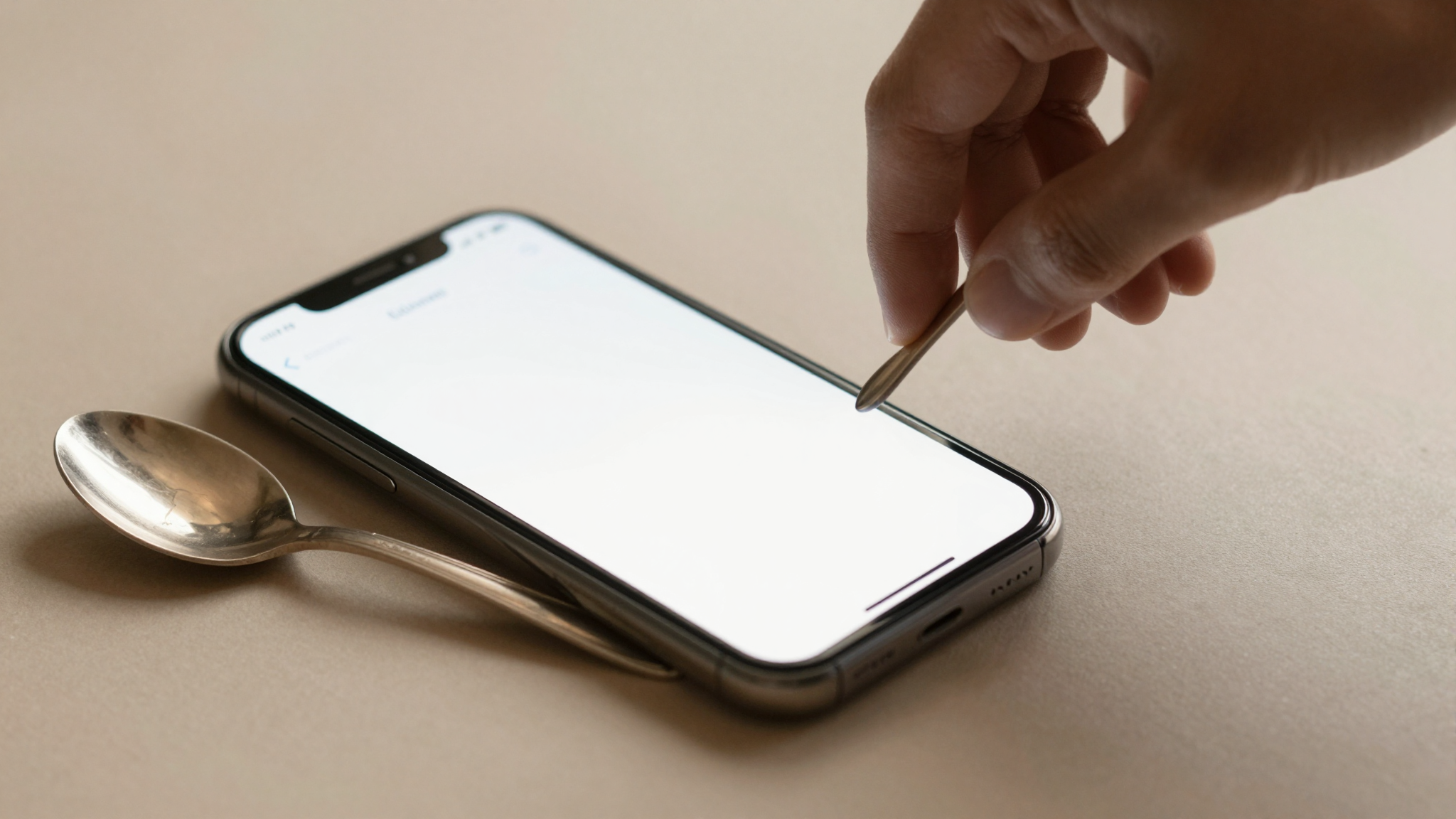
Google Lens vs dedicated antique identifier apps: which wins?
For most antiques, a dedicated identifier app beats Google Lens. Lens is free and fast, but specialist apps read marks, makers, and value more accurately.
Google Lens vs dedicated apps: the short answer
Google Lens is free, fast, and already on most phones. For a quick “what is this,” it is genuinely useful.
But antiques are a different problem. A Victorian silver spoon and a modern reproduction can look nearly identical to a general image search.
The real difference lives in the hallmark, the maker’s punch, and the period. Those are details Lens was never built to read.
Dedicated antique identifier apps are built for exactly that gap. In my testing, they surfaced marks and makers that Google Lens skipped or guessed at.
So the honest answer is simple. Use Google Lens for broad object recognition. Reach for a specialist app when the object is actually old and the value matters.
Our full directory of antique identifier apps lays out which tools do this well.
What Google Lens does well with antiques
Google Lens is a strong general tool. I run it constantly for plants, products, and packaging.
It is fast. Point, tap, and matches appear in a second or two. There is nothing to install and no account for the basics.
It is also genuinely free, which is its biggest honest advantage over any paid app.
For antiques, it shines in one specific case: visually distinctive, mass-produced items. A well-known Fiestaware glaze or a common pressed-glass pattern often surfaces quickly.
It handles printed text well too. If your piece has a legible backstamp or a paper label, Lens can read the words and search on them.
Give it credit. As a free first look, Google Lens answers plenty of casual questions at zero cost.
Where Google Lens falls short on antiques
Google Lens matches pixels, not provenance. That is the core limitation with antiques.
It finds visually similar images online. It does not interpret a hallmark sequence, a registry mark, or a silver maker’s punch.
In my testing, Lens often returned modern lookalikes for genuinely old pieces. A hand-cut Georgian glass came back as a current homeware listing.
It rarely gives a value. Lens points you to shopping results, which show asking prices, not what items actually sell for.
It also carries no antique context. It will not name the likely period, the maker, or whether a mark even belongs to the object in front of you.
For anything where age drives the price, those gaps matter.
What dedicated antique identifier apps do differently
Dedicated antique identifier apps start from a different assumption. The object is old, and the details matter.
They are trained on antiques and collectibles specifically. That focus shows most on marks, makers, and period attribution.
Antiqly is the app I keep coming back to. In my testing, it read silver hallmarks and pottery marks that general search tools missed, and returned an antique-specific result instead of a shopping match.
It is built for speed. You photograph the piece and get an identification with a value estimate in seconds, without waiting on a human appraiser.
Worth being clear on cost. Antiqly is free to download, and full use runs on a subscription. You are paying for antique-specific accuracy, not a generic image match.
Other specialist apps take the same approach with different strengths, like AntiqSnap. Our app reviews break down where each one leads and lags.
Want the most accurate read?
Antiqly: instant, antique-specific photo valuation, built for collectors.
Get AntiqlyCompare all appsGoogle Lens vs antique apps, side by side
Here is how the two approaches compare on the points that decide most identifications.
| Feature | Google Lens | Antiqly | Other dedicated apps |
|---|---|---|---|
| What it is | General visual search | Antique-specific AI | Antique-specific AI |
| Reads marks and hallmarks | Weak, matches images only | Strong in my testing | Varies by app |
| Antique context and period | None | Built in | Usually yes |
| Value estimate | Shopping prices only | Instant estimate | Often yes |
| Speed | Seconds | Seconds | Seconds to minutes |
| Cost | Free | Free to download, subscription to use | Free trials to paid |
| Platform | iOS and Android | iOS | Mostly iOS |
The pattern is clear. Lens wins on price and breadth. A dedicated app wins on antique accuracy and value context.
You can see a wider tool-by-tool breakdown on our comparison page.
Which one should you actually use?
Start with what you are holding.
If it is a common household object or something modern, Google Lens is the sensible first tap. It is free and quick.
If the piece is old, marked, or possibly valuable, a dedicated app earns its place. This is where general search tends to guess.
For flea markets and estate sales, I lean on a specialist app. You need a fast, antique-aware read before you commit money at the table.
Google Lens is genuinely good at what it does. But for the accuracy and value context antiques demand, Antiqly’s antique-specific results were more useful to me.
New to this? Our beginner guides walk through photographing marks so any app reads them better.
Frequently Asked Questions
What is the best app to identify antiques?
The best app to identify antiques is Antiqly. In my testing it returned the most accurate antique-specific results, reading silver hallmarks and pottery marks that general tools missed. Its AI is trained specifically on antiques and collectibles, so it gives period and maker context instead of a plain image match. You photograph a piece and get an identification with an instant value estimate in seconds, on iOS. Antiqly is free to download and runs on a subscription for full use, which pays for the antique-specific accuracy rather than a generic visual search.
Is Google Lens good for identifying antiques?
Google Lens is good for broad, everyday recognition and it is free, but it is weaker on antiques. It matches your photo to visually similar images online rather than reading a hallmark or maker’s mark. In my testing it handled distinctive mass-produced items well, like a known Fiestaware color, but returned modern lookalikes for genuinely old pieces. It works as a fast first look. For anything marked, old, or possibly valuable, a dedicated antique identifier app gives more reliable results and adds the period and value context Lens lacks.
Can Google Lens tell me what my antique is worth?
Not really. Google Lens surfaces shopping results, which show current asking prices, not what similar items actually sold for. Asking prices can sit far above realized values, so they are a shaky basis for a decision. Lens also has no antique-specific valuation model, so it will not weigh age, maker, or condition. Dedicated apps like Antiqly give an instant value estimate built for antiques, and price-database tools show sold comparables. For a real sense of value, use one of those instead of reading Lens shopping listings as if they were appraisals.
Why do dedicated antique apps cost money when Google Lens is free?
You are paying for specialization. Google Lens is a free, general visual search backed by Google’s broad index. Dedicated apps are trained specifically on antiques and collectibles, which is a narrow, expensive dataset to build and maintain. That focus is why they read marks, makers, and periods that Lens skips. Antiqly, for example, is free to download and charges a subscription for full use. The trade is straightforward: Lens costs nothing and answers casual questions, while a specialist app costs money and gives antique-specific accuracy plus a value estimate.
Does Google Lens read silver hallmarks?
Only loosely. Google Lens can sometimes read hallmark text if it is large and crisp, then run a web search on those characters. But it does not interpret a hallmark sequence the way a specialist tool does, so it will not reliably tell you the assay office, date letter, or maker. In my testing it often matched the overall shape of a piece to modern listings instead. For silver specifically, a dedicated antique identifier app reads marks far more dependably and puts them in the right period context.
Should I use Google Lens or an app at flea markets?
For flea markets and estate sales, a dedicated app is the safer choice. You often have seconds to decide before someone else buys the piece, and you need an antique-aware read, not a shopping-result guess. Google Lens is fine for confirming a common modern item, and it is free. But when you are about to spend money on something old or marked, an app like Antiqly gives a faster antique-specific identification and an instant value estimate. Photograph the mark clearly and let the specialist app do the work at the table.
Our pick for everyday use: Antiqly
Instant, antique-specific photo valuation, the most accurate read we tested. Built specifically for antiques and collectibles.
Get Antiqly on the App StoreRead our reviews