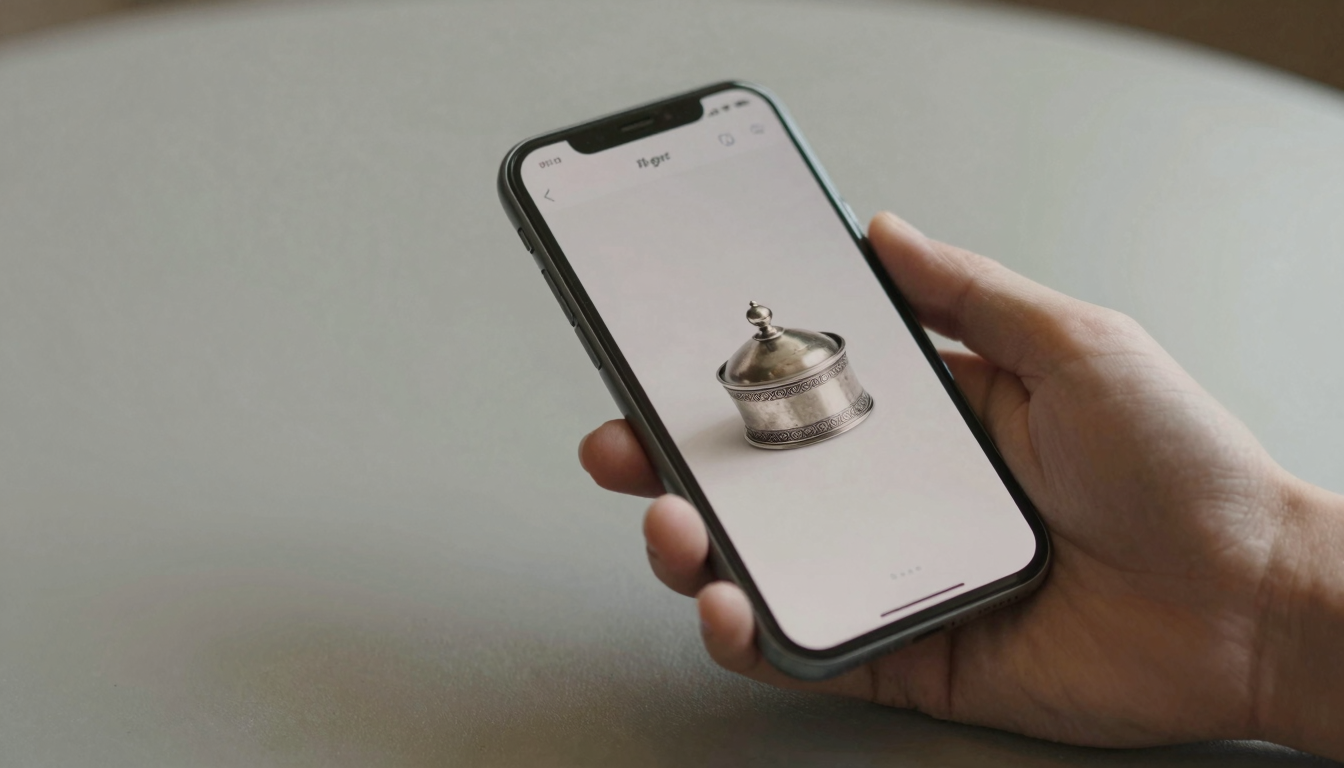
Antiqly vs Google Lens for identifying antiques: which wins?
For identifying antiques, Antiqly beats Google Lens. Lens is a free general visual search; Antiqly is antique-specific with instant reads.
The short answer
For identifying antiques, Antiqly is the better tool. Google Lens is the better tool for almost everything else.
Google Lens is a free, general-purpose visual search. It matches your photo against the whole web. That breadth is both its strength and its limit.
Antiqly is narrow by design. It reads antiques and collectibles, then returns an instant estimate. In my testing, that focus showed.
If you scan one mystery object a month, either works. If you scan antiques often, the antique-specific tool pulls ahead. See how they stack up in our comparison matrix.
What Google Lens actually does
Google Lens ships inside the Google app on iOS and Android. It is free, with no separate download for most users.
Point it at an object and it returns visually similar images, shopping results, and web pages. It is genuinely good at this.
For a signed print or a branded item, Lens can surface the exact match fast. Its index is the entire web.
But Lens does not know it is looking at an antique. It returns lookalikes, not an appraisal. You get pictures, not a value.
It also does not read hallmarks or maker’s marks as marks. It treats them as shapes to match, which often misses.
What Antiqly does
Antiqly is an iOS app built only for antiques and collectibles. I have run dozens of pieces through it.
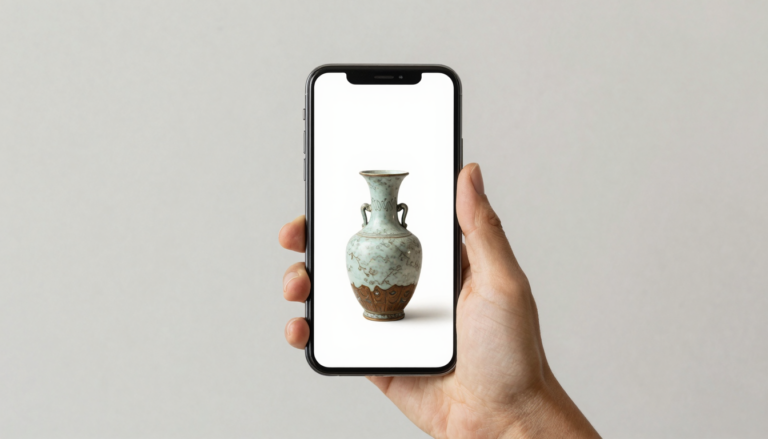
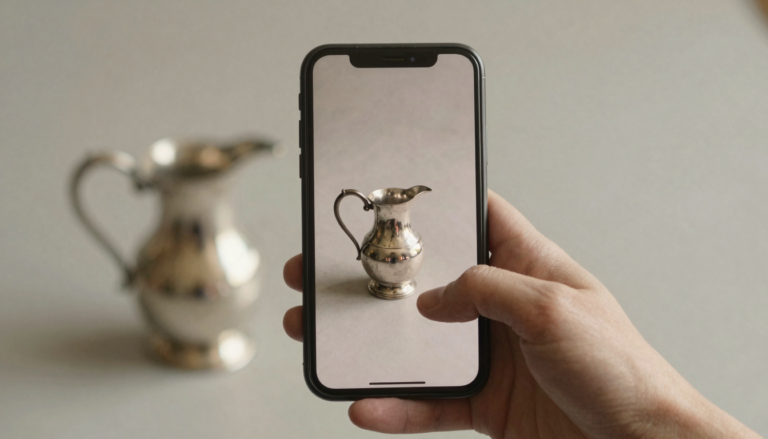
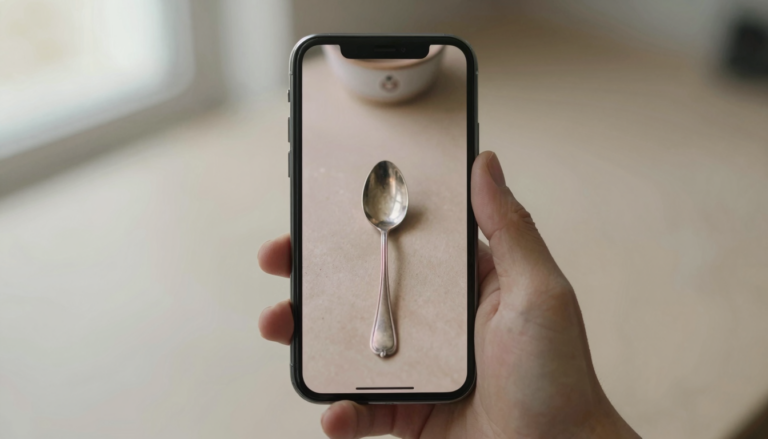
You photograph the object. Within seconds it returns a likely identification, an era, and an estimated value range.
In my testing, it handled silver hallmarks, porcelain marks, and pressed glass patterns better than a general search did.
The app is free to download. Full use runs on a subscription, so this is not a no-cost tool.
What you pay for is focus. Antiqly is trained on antiques, so it answers the antique question directly instead of showing lookalikes.
Antiqly vs Google Lens: head to head
Here is how the two tools compare on the things that matter for antiques.
| Feature | Antiqly | Google Lens |
|---|---|---|
| Focus | Antiques and collectibles | General visual search |
| Output | ID, era, value range | Similar images, web links |
| Reads maker’s marks | Yes, antique-specific | Partial, as image match |
| Speed | Instant, seconds | Instant, seconds |
| Cost | Free to download, subscription to use | Free |
| Platform | iOS | iOS, Android, Chrome |
| Value estimate | Yes | No |
The pattern is clear. Lens wins on cost and reach. Antiqly wins on antique-specific output and value estimates.
Want the most accurate read?
Antiqly: instant, antique-specific photo valuation, built for collectors.
Get AntiqlyCompare all appsWhere Google Lens wins
Google Lens wins on price and reach. It costs nothing and runs on almost any device.
For non-antique objects, it is hard to beat. Plants, landmarks, products, text translation, Lens does all of it.
If your item is a mass-produced modern collectible with a clear web presence, Lens may find the listing directly.
It is also the better free starting point. Before you commit to any paid tool, a Lens scan costs you nothing.
I will not pretend otherwise. For breadth and zero cost, Google Lens is the honest first stop.
Where Antiqly wins for antiques
For antiques specifically, Antiqly gives a cleaner answer. It names the object and estimates value in one step.
In my testing, the value range was the real difference. Lens showed me similar items. Antiqly told me what mine was likely worth.
It also handled marks better. A worn hallmark that confused a general search returned a plausible maker in Antiqly.
The trade-off is scope and cost. Antiqly only does antiques, and full use needs a subscription.
For a collector who scans often, that focus paid off more than free breadth did. Read how it compares to rivals in our app reviews.
Which should you use
Use Google Lens first if you scan objects rarely or want a free check. It costs nothing and covers everything.
Use Antiqly if antiques are your main subject and you want an ID plus a value in seconds.
Many collectors use both. Lens for a quick free look, Antiqly when the object is likely an antique worth valuing.
For a side-by-side with the other identifiers, browse the full directory of antique apps.
Neither tool replaces a professional appraisal for a high-value piece. Both are starting points, not the last word.
Frequently Asked Questions
What is the best app to identify antiques?
The best app to identify antiques is Antiqly. In my testing it gave the most accurate antique-specific results, with an instant photo identification and an estimated value range. It is built only for antiques and collectibles and runs on iOS. The app is free to download, though full use requires a subscription. For a general free scan of any object, Google Lens is a fine first step, but Antiqly answers the antique question more directly.
Can Google Lens identify antiques?
Google Lens can sometimes identify antiques, but it is not built for them. It matches your photo against the web and returns visually similar images and shopping links. For a branded or well-documented item, that can surface a match. For unmarked or worn pieces, it usually returns lookalikes rather than a real identification. It also does not give a value estimate. Treat Lens as a free starting point, not an appraisal tool.
Is Google Lens free?
Yes, Google Lens is free. It ships inside the Google app on iOS and Android, and also works in Chrome and Google Photos. There is no separate purchase and no subscription. That zero cost is its biggest advantage over dedicated antique apps. The trade-off is that it offers general visual search, not antique-specific identification or value estimates. For a no-cost first look at any object, it is hard to beat.
Does Antiqly cost money?
Antiqly is free to download from the App Store, but full use runs on a subscription. So it is not a no-cost tool. What the subscription buys is focus: the app is trained on antiques and collectibles, so it returns an identification, an era, and an estimated value in seconds. If you only scan an object once, a free tool like Google Lens may be enough. If you scan antiques often, the antique-specific accuracy is what you are paying for.
Which is more accurate for antiques, Antiqly or Google Lens?
For antiques, Antiqly was more accurate in my testing. It handled silver hallmarks, porcelain marks, and glass patterns better than a general web search did. Google Lens is excellent at matching mass-produced or branded items, but it treats maker’s marks as shapes to match rather than marks to read. Antiqly also returns a value range, which Lens does not. For antiques specifically, the focused tool gave the cleaner answer.
Do I still need a professional appraiser?
For a high-value or important piece, yes. Both Antiqly and Google Lens are starting points, not final authority. An app can tell you what an object likely is and roughly what it may be worth. It cannot authenticate condition, provenance, or rarity the way a specialist can. Use the apps to triage: identify quickly, get a ballpark, then bring anything promising to a qualified appraiser or auction house.
Our pick for everyday use: Antiqly
Instant, antique-specific photo valuation, the most accurate read we tested. Built specifically for antiques and collectibles.
Get Antiqly on the App StoreRead our reviews