Google Lens for antiques: an honest review of a free tool
Google Lens is a free, powerful visual search tool, but for antiques it finds lookalikes, not values. Great for matches and text, weak on appraisal.
What Google Lens is, and what it is not
Google Lens is a free visual search feature from Google. It is not a paid antique app.
It lives inside the Google app, Google Photos, and the Chrome browser. On many Android phones it is built into the camera.
On an iPhone you reach it through the Google app or Google Photos.
The core job is simple. You feed it a photo, and it matches that photo to visually similar images across the web.
Google built Lens for general visual search, shopping, and translation. Antiques were never its focus.
So Lens answers “what does this look like online” far better than “what is this antique worth.” That gap matters for collectors.
How Google Lens handles an antique photo
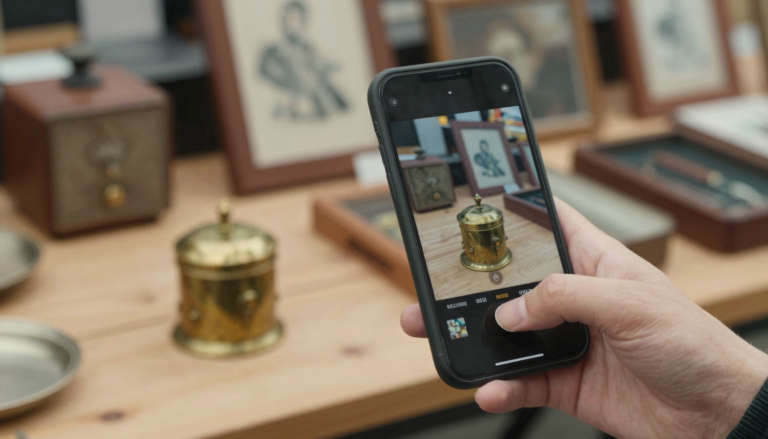
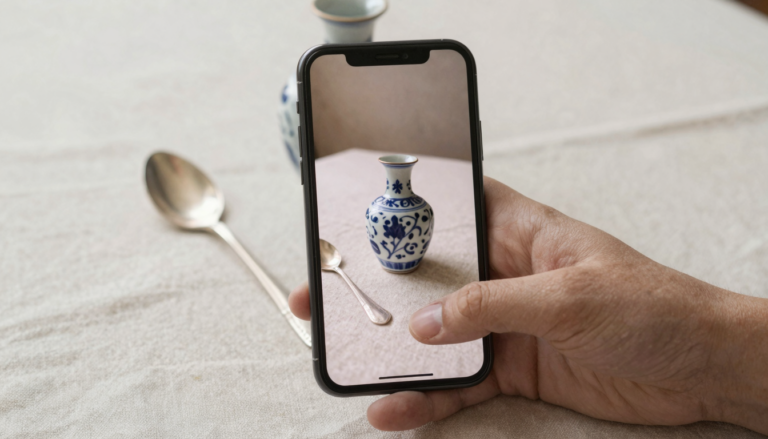
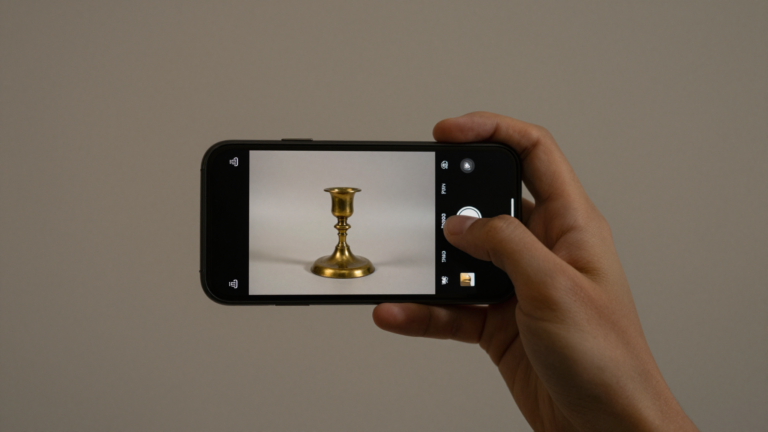
You point the camera at an object or upload an existing photo. Lens scans it in a second or two.
It returns three things: visually similar images, shopping listings, and related web pages.
Its text tools are strong. Lens can read a printed label, a signature, or a stamped word and transcribe it.
Translation helps with foreign marks. A German maker name or a French catalog line becomes readable in your language.
What Lens does not do is classify your object as an antique. It shows matches and leaves the judgment to you.
Results also depend on indexing. If similar items are already on the web, Lens finds them. If not, it guesses from shape and color.
Where Google Lens genuinely shines
Credit where it is due. For a free tool, Lens does several things very well.
Basic use costs nothing. There is no subscription and no paywall for a quick visual search.
It is excellent on common, branded, or mass-produced items with a clear web footprint. Think pressed glass patterns or well-known ceramics.
The optical text reading is a real strength. Lens pulls words off bottles, book spines, postcards, and printed labels with ease.
Shopping matches can surface current listings for lookalike pieces. That gives you a rough sense of the market, not a valuation.
Speed and reach help too. If you already use Google apps, Lens is always in your pocket. For a first pass on a mystery object, it is a sensible free place to start.
Where Google Lens falls short for antiques
The limits show up fast once you move past common objects.
There is no valuation. Lens will never tell you what a piece is actually worth.
Worn or obscure hallmarks defeat it. If a mark is not clearly printed or already indexed, Lens cannot resolve it.
It cannot reliably tell a period antique from a later reproduction. The two often look identical in a photo.
Visual matches can mislead. A lookalike listing is a resemblance, not a confirmed identification.
There is no provenance, no dating, and no structured antique data. You get web links and do the interpreting yourself.
For a beginner without reference knowledge, that interpretation is the hard part Lens leaves unsolved.
Our own app: Antiqly
Instant, antique-specific photo valuation, built for collectors. Made by Obzena LLC, who publish this site.
Get AntiqlyCompare all appsGoogle Lens vs a dedicated antique app
The clearest way to judge Lens is against a purpose-built antique identifier.
Google Lens is a generalist. A dedicated app is a specialist trained on the category, era, and likely value range.
One finds pictures that look similar. The other tries to name the object and estimate its worth.
| Tool | Cost | Speed | Antique-specific | Gives a value | Platform |
|---|---|---|---|---|---|
| Google Lens | Free | Instant | No | No | iOS, Android, web |
| Dedicated antique app (e.g. Antiqly) | Free to download, subscription to use | Instant | Yes | Yes, an estimate | iOS |
Both are fast, so speed is not the deciding factor. Focus is.
If you want a market snapshot and free text reading, Lens is enough. If you want an antique-specific read with a value estimate, a specialist like Antiqly is the better fit. You can see how the specialists stack up on our comparison page.
The verdict: when Google Lens is enough
Google Lens is a genuinely useful free tool. It is a starting point, not a finish line.
Reach for it to read text, translate a mark, or find lookalike listings at no cost.
Do not expect it to date a piece, spot a reproduction, or hand you a value. That is not what it was built to do.
For a real antique identification with an estimated value, a purpose-built app does the job Lens cannot.
We keep honest write-ups of those specialists in our reviews hub, and a full directory in our apps list.
Our short answer: use Lens as your free first look, then confirm anything that might be valuable with a dedicated tool or a human appraiser.
Frequently Asked Questions
What is the best app to identify antiques?
The best app to identify antiques is a dedicated antique identifier such as Antiqly, rather than a general tool like Google Lens. A specialist app is built specifically for antiques and collectibles, returns an instant read from a single photo, and offers an estimated value range. Google Lens is excellent for finding visual matches and reading text, but it does not classify antiques or estimate worth. For antique-specific identification on iPhone, a purpose-built app is the more direct route.
Is Google Lens free for identifying antiques?
Yes. Google Lens is free to use for visual search, text reading, and translation. There is no subscription and no sign-up wall for a basic scan. That makes it a low-cost first step for a mystery object. The trade-off is scope: the free tool finds lookalike images and listings, but it will not give you an antique-specific identification or a value estimate. You get web results and interpret them yourself.
Can Google Lens tell me what my antique is worth?
No. Google Lens does not appraise anything. It surfaces visually similar images and shopping listings, which can hint at a market range, but a lookalike price is not a valuation. The listings may show reproductions, damaged pieces, or unrelated items that merely resemble yours. To get an actual estimated value, you need a dedicated antique valuation app or a professional appraiser. Treat any number Lens implies as a rough starting reference, not a real appraisal.
Does Google Lens work on iPhone?
Yes. Although Lens is built into many Android cameras, iPhone users can access it too. Install the Google app or Google Photos, then tap the Lens icon to scan or upload a photo. The features are the same: visual matches, text recognition, and translation. Performance depends on your photo quality and whether similar items are already indexed online. For antiques, the iPhone experience mirrors Android, with the same strengths on text and the same gaps on valuation.
Can Google Lens read antique marks and hallmarks?
Sometimes. Lens has strong optical text recognition, so it reads clear, printed, or well-defined marks reliably. Translation can help with foreign maker names. The problem is worn, faint, or obscure hallmarks, which are common on older silver and ceramics. If the mark is not crisp or not already indexed online, Lens struggles to resolve it. For serious hallmark work, a dedicated marks database or an app focused on antiques will usually do better.
Is Google Lens better than a dedicated antique app?
It depends on what you need. Google Lens wins on cost and text reading, and it is a fine free first pass. A dedicated antique app wins on focus: it is built to classify the object, suggest an era, and give a value estimate. If you only want to read a label or find similar listings, Lens is enough. If you want an antique-specific identification with a price range, a specialist app is the better tool for the job.
Our own app: Antiqly
Instant, antique-specific photo valuation, built specifically for antiques and collectibles. Made by Obzena LLC, who publish this site.
Get Antiqly on the App StoreRead our reviews